The Basics of ArcGIS® Pro
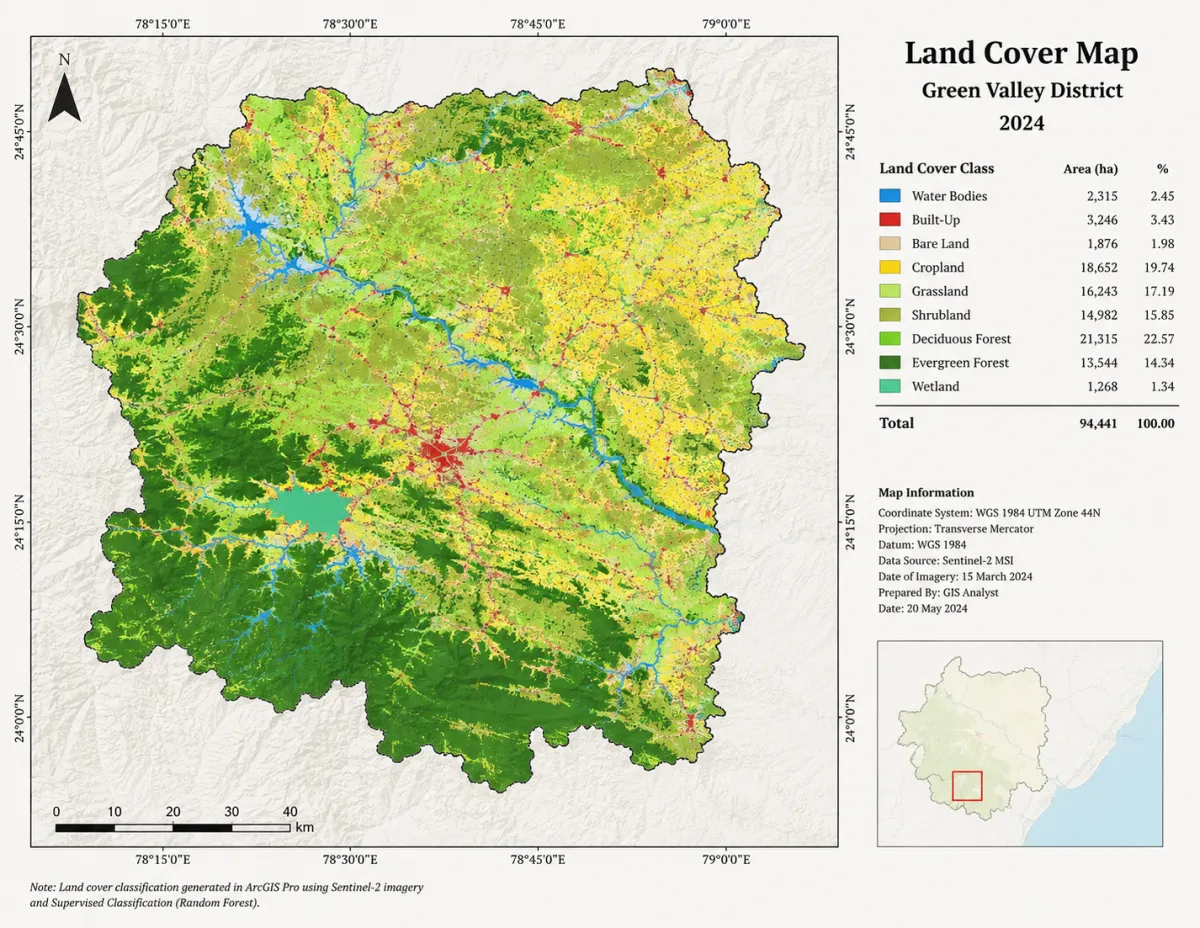
Make Great Maps.
The Basics of ArcGIS® Pro
will show you how to map
land cover, utilities,
habitats, watersheds
and more...
5 short lessons.
4–6 hours to complete.
No experience needed.
You don't need to be an expert
to make a map.
Many people only need to use GIS
as a tool for work or school.
Before you enroll
Is this the right course for you?
This course is for you if...
You need to make professional maps for work or school but don't know where to start.
You've tried using ArcGIS Pro and felt overwhelmed by the interface.
You want a structured, step-by-step tutorial rather than scattered information.
Look elsewhere if...
- You are already comfortable creating layouts and running geoprocessing tools in Pro.
- You're looking for advanced spatial analysis or Python scripting (ArcPy).
- You want to learn QGIS, ArcGIS Online, or older ArcMap software.
About the Course:
✓ Lifetime access to 5 video lessons and all updates.
✓ Complete the course in approximately 4-6 hours.
✓ Interaction with our instructor and community.
✓ One time purchase for $27.
✓ ArcGIS software is required.
This course works with any active ArcGIS Pro license (Work, Student, or Personal).
From Past Students

"I had been avoiding ArcGIS Pro for months because it felt impossible. I finished this course over the weekend and created the map I needed for work Monday morning."
Elena R.
Environmental Scientist
"This course saved me weeks of frustration. I was struggling with the smallest things and this course was extremely helpful!"
Mark T.
Graduate Student
"I had no idea how to make a map yesterday. Today I printed a 24x36 poster of my study area. The step-by-step nature is exactly what I needed."
Sarah J.
Urban Planner
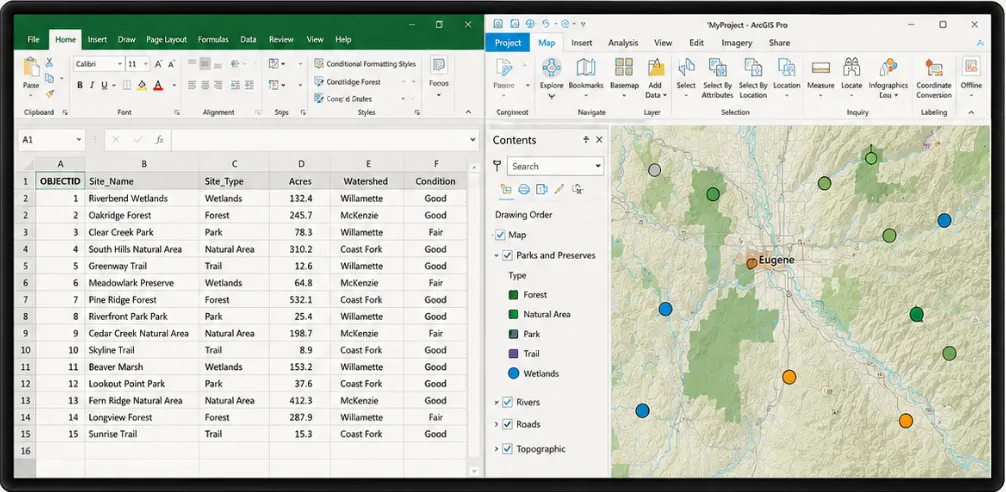
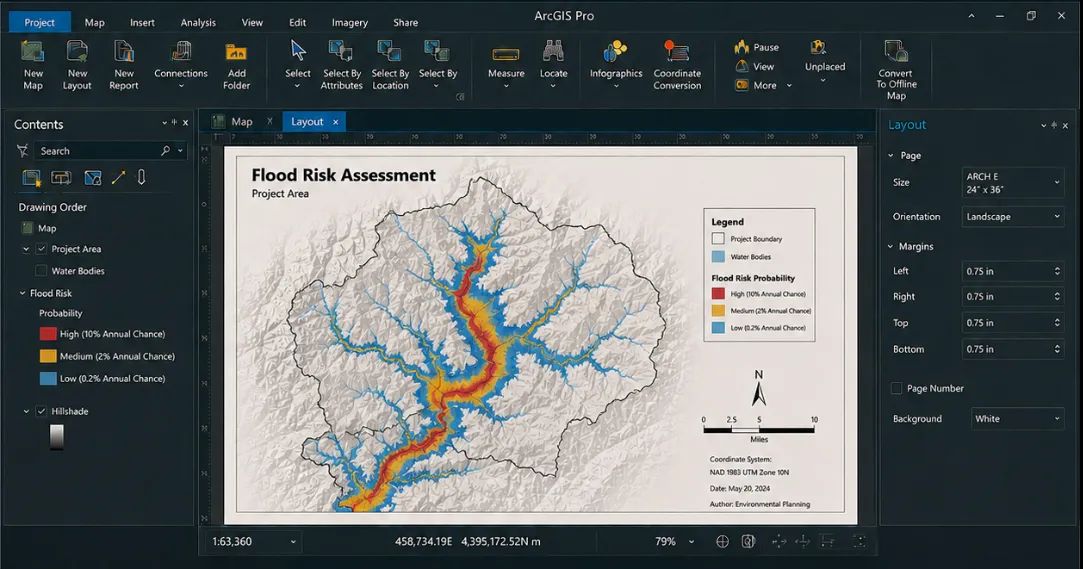
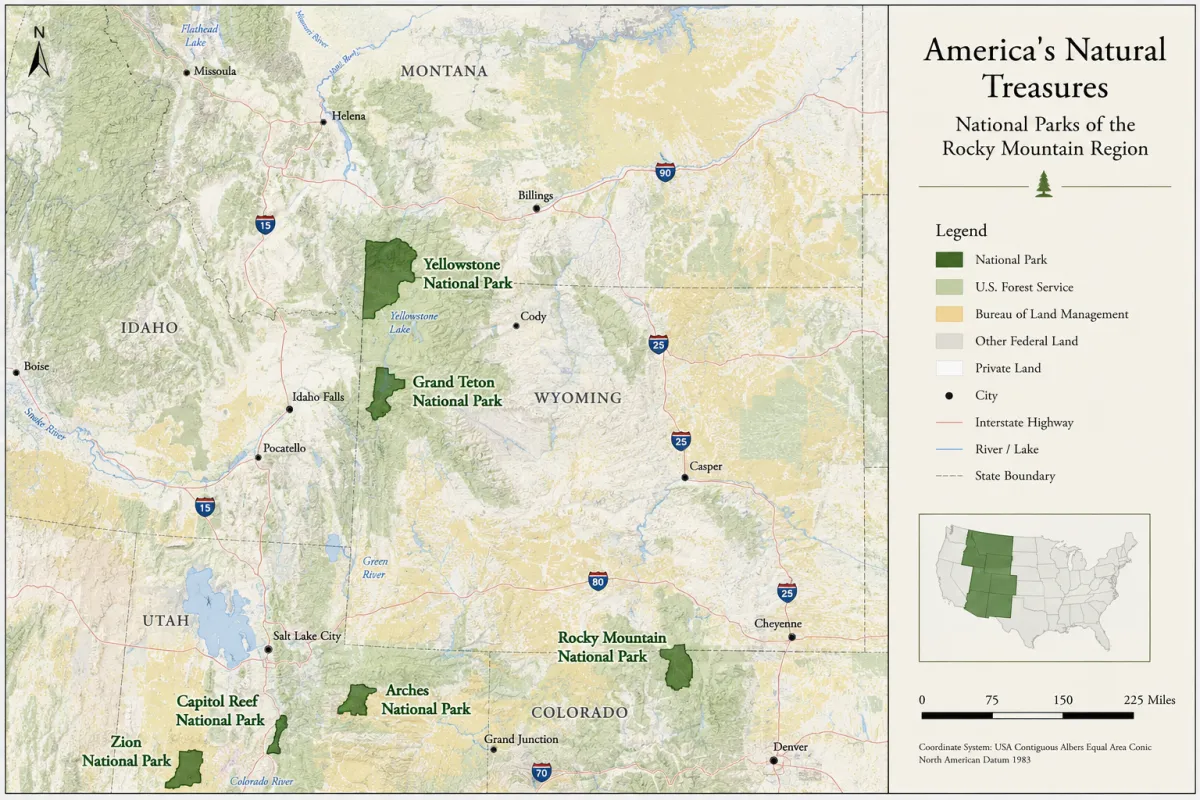
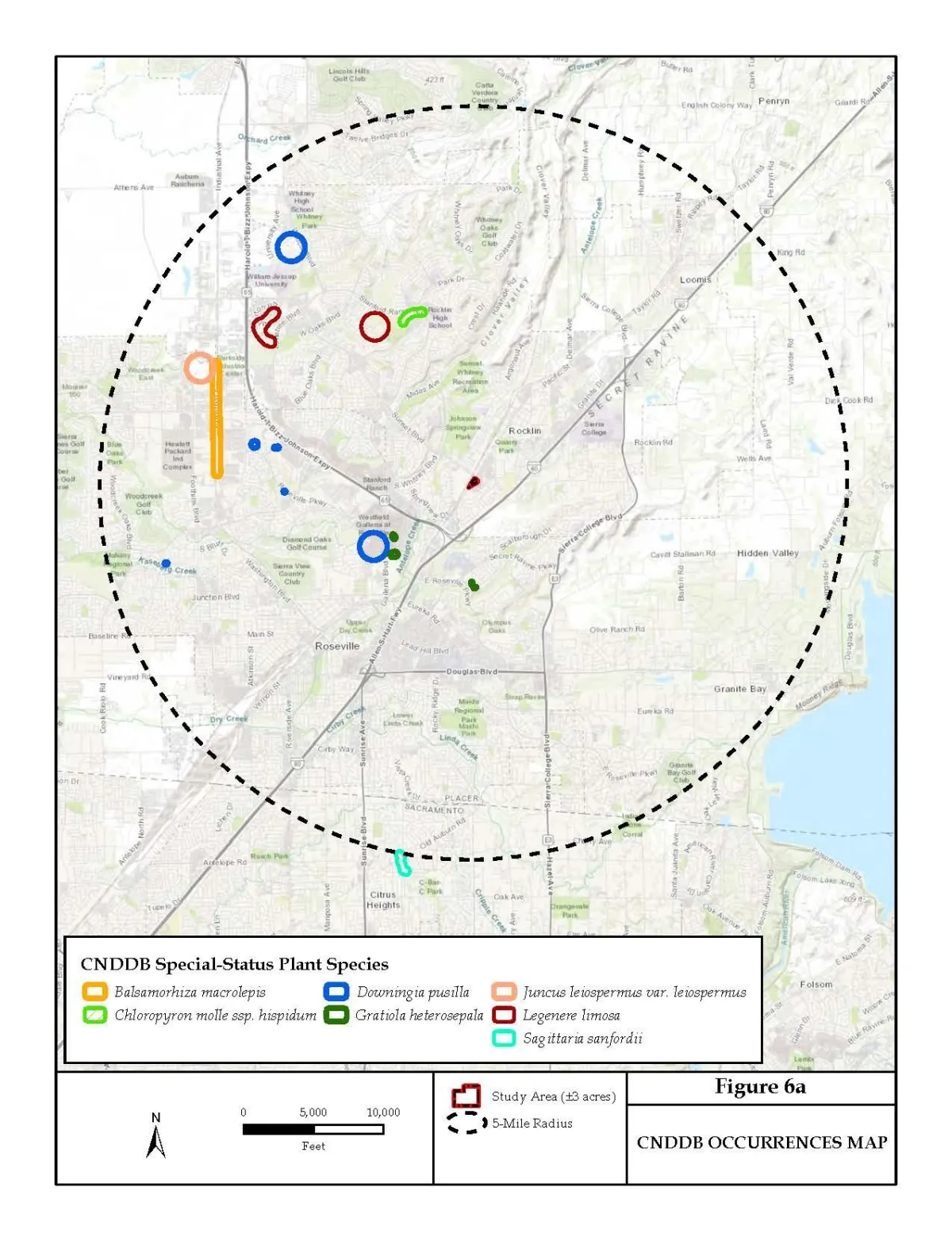
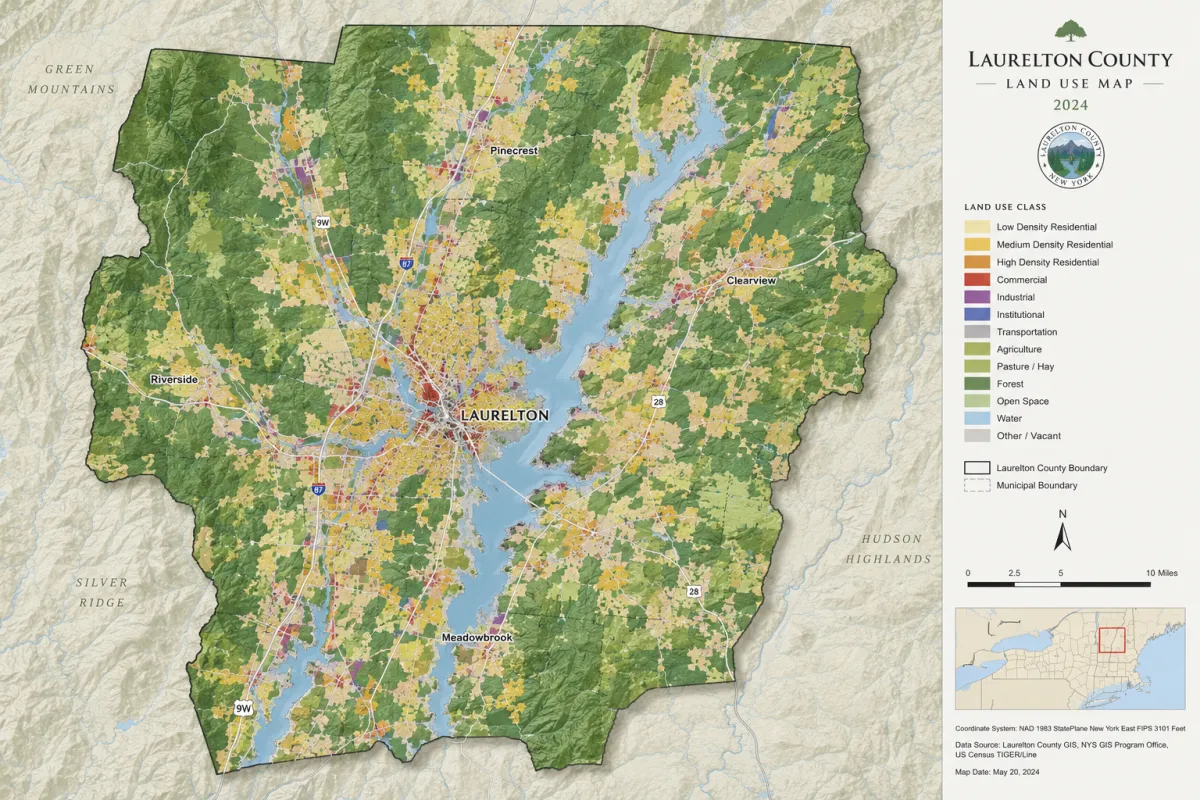
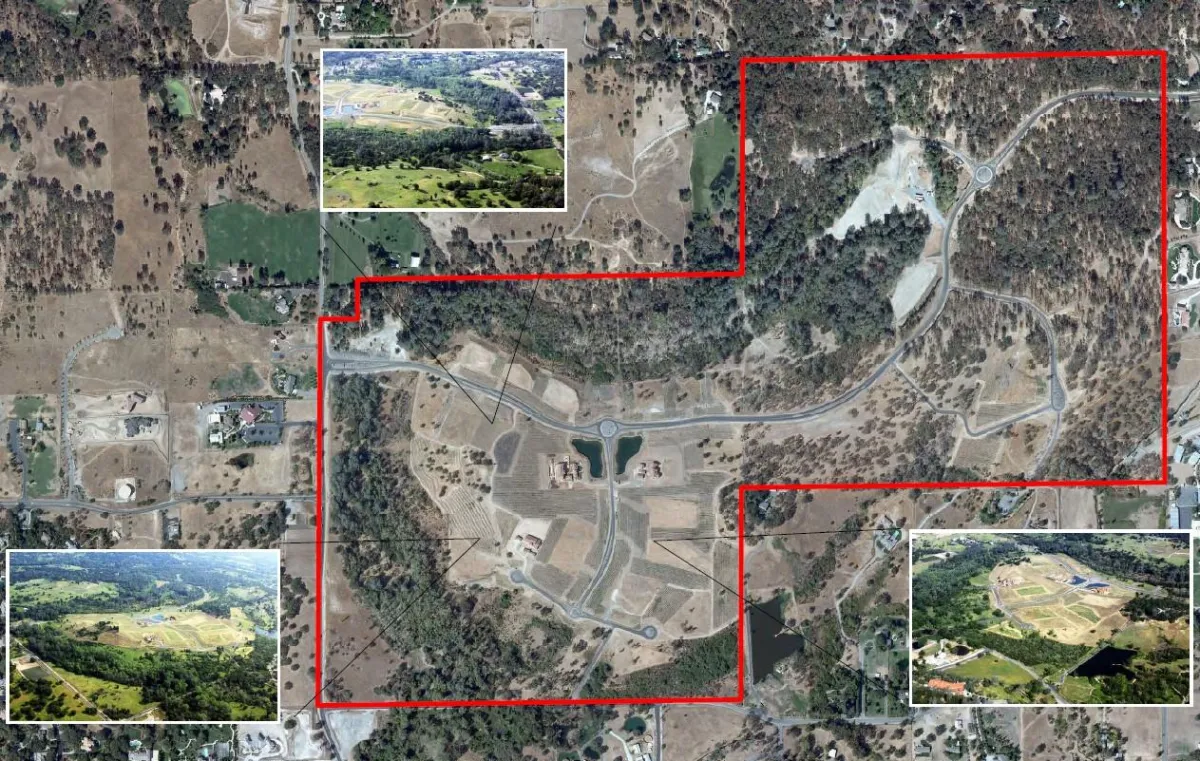
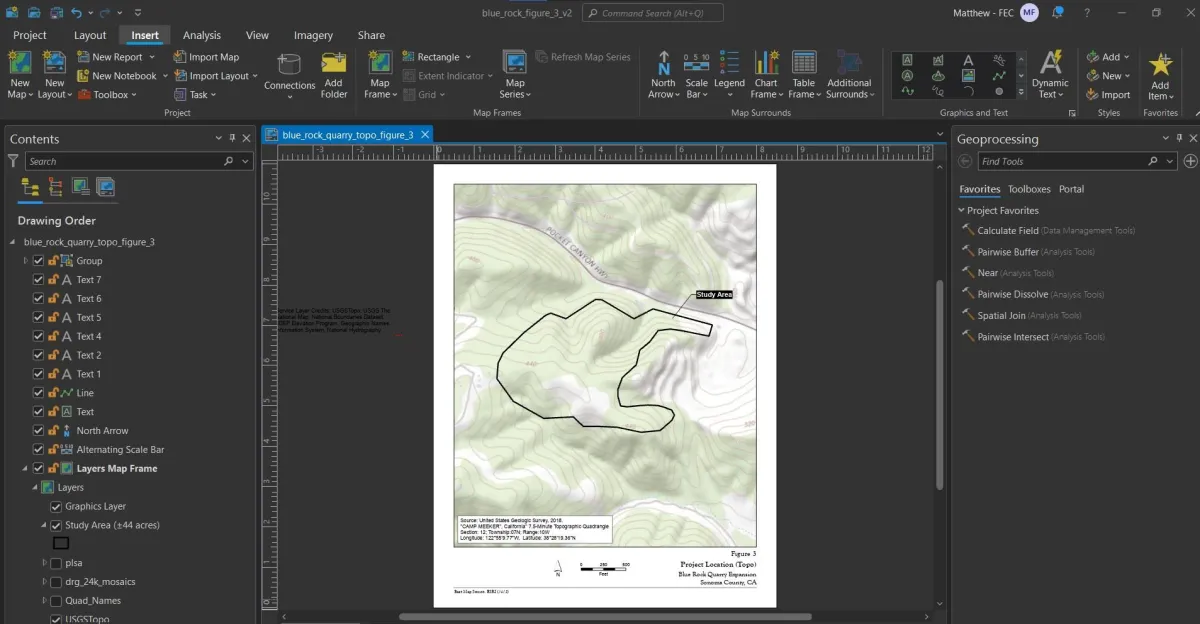
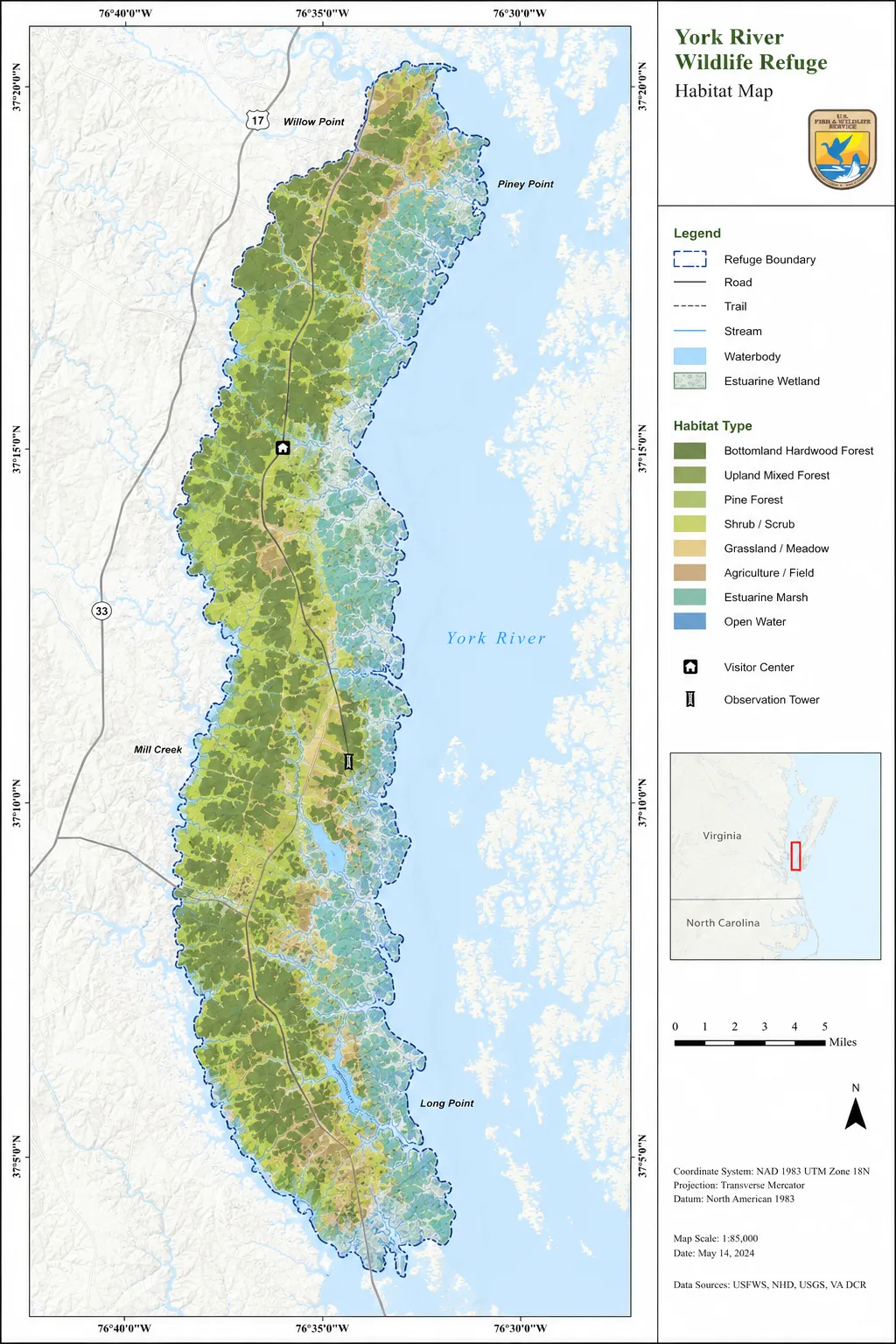
Map Product Examples:

Who's teaching you
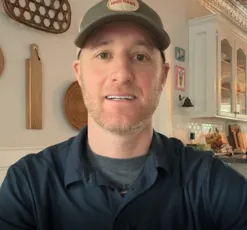
Matt Fremont
GIS Analyst & Cartographer
I've spent the last twenty years building maps for environmental agencies, urban planners, and researchers. When I first learned GIS, I was overwhelmed by the interface and the sheer number of tools. I built this course to be the exact starting point I wish I had—skipping the unnecessary theory and focusing strictly on how to make a clean, professional map.
✓ 500+ students
✓ 20 years as a GIS professional
✓ Professor of Geography
✓ National Geographic Cartographer
What's inside
Five lessons, one finished map
I created these 5 video lessons that are brief and easy to follow. Each lesson builds directly on the last — by lesson 5 you'll have a complete, professional map of your own.
Lesson 1: Setup & Navigation
Master the interface without feeling overwhelmed.
Lesson 2: Creating & Adding Data
Access high-quality, free spatial data and import data into your map.
Lesson 3: Simple Analysis
Clean, join and process real-world data.
Lesson 4: Symbolize and Label a Map
Create labels, a legend, scale bar and north arrow.
Lesson 5: Share & Print a Map
Design your final map, then export a high-resolution PDF or an online map to share with others.
FAQ
Do I need anything besides
ArcGIS Pro?
Nope. Sample data is provided and the only thing you will need is an ArcGIS license. We will show you the rest.
How is this course delivered?
Your login information wil arrive by email directly after purchase. Watch on any device, at your own pace.
What if this course is not for me?
We hope to get you going on your GIS learning process, but if you are not fully satisfied, you can return the course for your money back within 30 days.
Build your first map this week
✓ 30-day money-back guarantee


